Best All-in-One Printer for a Small Office in Kenya
A small office rarely needs a separate printer, copier, scanner and fax machine taking up desk space one by one. An all-in-one printer — also called a multifunction printer (MFP) — combines those jobs into a single machine, which is why it's the default choice for most small offices in Kenya today. The harder part is picking the right one, since "all-in-one" covers everything from a compact desktop unit to a networked workhorse built for a busy team. This guide walks through what to check before you buy, and points to real MFP options in Bititec's range.
What "all-in-one" actually means
An all-in-one or multifunction printer typically handles at least print, copy and scan from one device, often with fax included on business-oriented models. Instead of buying a standalone printer plus a separate scanner (or sending documents out to be copied), one machine on your network covers the full loop — scan a signed contract, copy an ID, print an invoice — without switching devices.
What to check before buying an MFP
| What to check | Why it matters |
|---|---|
| Functions included | Confirm print, copy, scan — and fax if your office still needs it — are all built in, not add-ons. |
| Monthly duty cycle | Every MFP has a rated maximum monthly page volume; buying below your real usage shortens the machine's life. |
| Print speed (ppm) | Matters more as team size grows — a slow MFP becomes a queue bottleneck in a busy office. |
| Connectivity | WiFi and Ethernet let the whole team print and scan over the network, not just one desk via USB. |
| Duplex printing | Automatic two-sided printing saves paper and time on longer documents — check whether it's automatic or manual. |
| Colour or mono | Mono laser MFPs are cheaper to run for text; colour (laser or ink-tank) suits offices that print client-facing materials. |
| Paper size | Most small offices only need A4; only go to A3 if you genuinely produce larger documents. |
Matching the MFP to your office size
A very small office or single-person setup — light, occasional printing, scanning the odd document — is well served by a compact mono laser MFP. The HP LaserJet 135w is built for exactly this: print, copy and scan from a compact unit with built-in WiFi and a duty cycle of up to 10,000 pages a month, more than enough for light daily use.
A small-to-medium office with a few people printing regularly benefits from a step up in speed and connectivity. The Kyocera Ecosys FS-1025MFP prints around 25 ppm with automatic duplex and a document feeder — useful once you're regularly running multi-page copy or scan jobs, not just single sheets. For offices that also need to send and receive faxes, the Kyocera Ecosys M2640idw adds fax to print, copy and scan, runs at around 40 ppm, and connects over USB, Ethernet or WiFi.
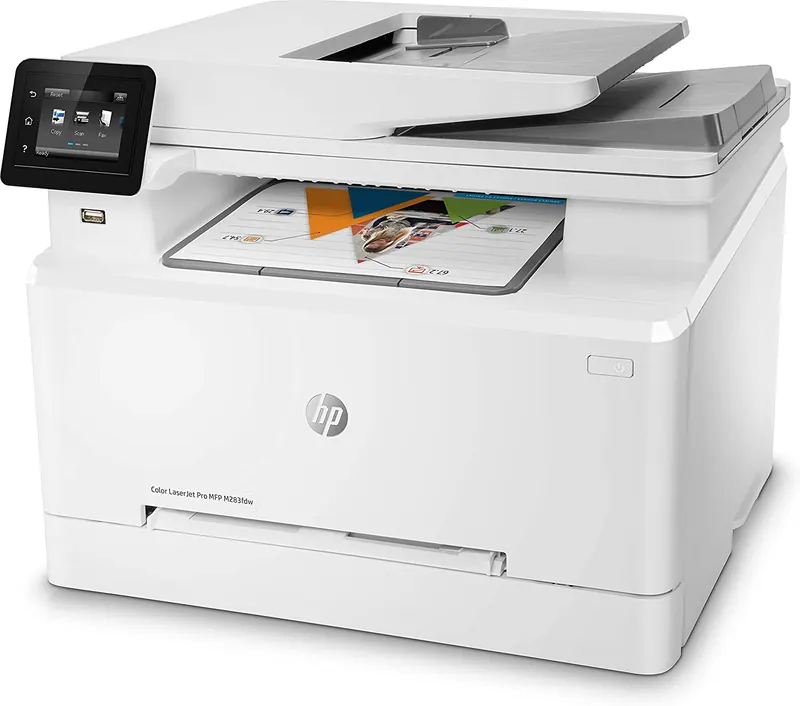
An office that produces client-facing colour documents — proposals, certificates, marketing handouts — is better matched to a colour MFP. The HP Color LaserJet Pro MFP M283fdw covers print, copy, scan and colour fax, with automatic duplex and WiFi, and a first page out in as fast as 11.4 seconds in black or 14.1 seconds in colour — a genuine all-rounder for a small office that can't justify two separate machines for text and colour work.
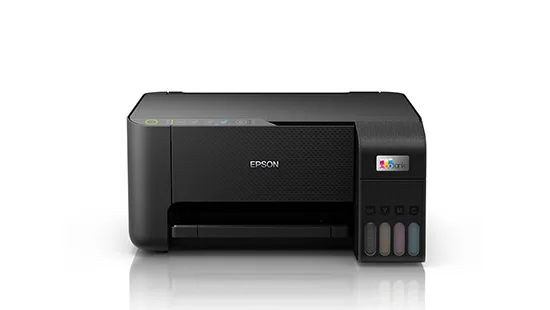
An office where ink-tank running costs matter more than raw speed, especially for mixed colour and text documents, can look at the Epson L3250 — an A4 colour ink-tank all-in-one with WiFi, print, copy and scan, and Epson's refillable ink-tank system for lower running costs than cartridge-based inkjets.
Comparing real MFP options
| Model | Functions | Speed | Connectivity | Best for |
|---|---|---|---|---|
| HP LaserJet 135w | Print, Copy, Scan | ~20 ppm | WiFi, USB | Very small office, light use |
| Kyocera Ecosys FS-1025MFP | Print, Copy, Scan | ~25 ppm | USB | Small office, steady mono volume |
| Kyocera Ecosys M2640idw | Print, Copy, Scan, Fax | ~40 ppm | USB, Ethernet, WiFi | Small-medium office needing fax |
| HP Color LaserJet Pro MFP M283fdw | Print, Copy, Scan, Fax (colour) | ~22 ppm | WiFi, USB, Ethernet | Office needing colour + fax |
| Epson L3250 | Print, Copy, Scan | up to 33 ppm mono / 15 ppm colour | WiFi | Colour-heavy, cost-conscious office |
Don't forget running costs and support
The purchase price of an MFP is only part of the picture. Toner or ink, servicing, and how quickly you can get it repaired if it breaks all affect what the machine actually costs your office over time. Kyocera's Ecosys range, for instance, is built around long-life drum technology aimed at keeping running costs down over the life of the machine — worth factoring in if you're comparing on more than sticker price.
It's also worth checking who supports the machine after the sale. Bititec sells its MFP range with after-sales servicing and repair backup across Nairobi, Mombasa, Embu and Meru, so a fault doesn't mean the machine sits unused while you look for someone qualified to fix it.
Buy or lease?
If your small office is growing, or you'd rather avoid the upfront cost of a new MFP altogether, leasing is worth comparing against buying outright. Bititec's leasing option covers a photocopier or printer with no upfront cost, a single all-inclusive cost-per-copy rate, and parts, toner and servicing bundled in — useful if you'd rather have one predictable monthly cost than manage consumables and repairs yourself.
Frequently Asked Questions
What's the difference between an all-in-one printer and a multifunction printer (MFP)? They're the same thing — "all-in-one" and "MFP" are used interchangeably to describe a device that combines print, copy and scan (and often fax) in one machine.
Do I need a colour MFP for a small office? Only if you regularly produce colour documents for clients — proposals, marketing materials, certificates. If your office prints mostly text, a mono laser MFP is cheaper to buy and run.
How do I know what monthly duty cycle I need? Estimate your team's typical monthly page count across printing, copying and scanning, then choose a machine rated comfortably above that figure — running a machine near its maximum duty cycle every month shortens its working life.
Ready to choose an all-in-one for your office?
Browse Bititec's full range of office printers, including the MFPs covered here, or see leasing options if you'd rather spread the cost with no upfront payment.
Talk to Bititec Systems about equipment, leasing or managed print for your office.
Contact Bititec Systems →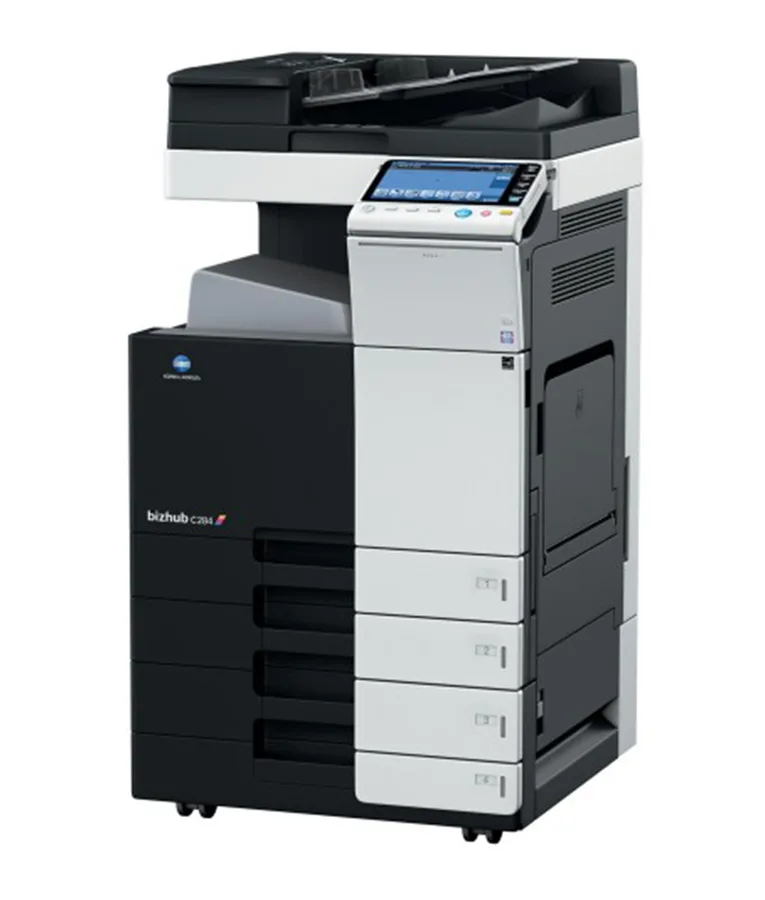

Kenya's trusted supplier of office electronics, printers, copiers, and KRA-approved eTIMS/ETR machines — with branches in Nairobi, Mombasa, Embu, and Meru.
© 2026 Bititec Systems & Supplies Limited. All rights reserved.